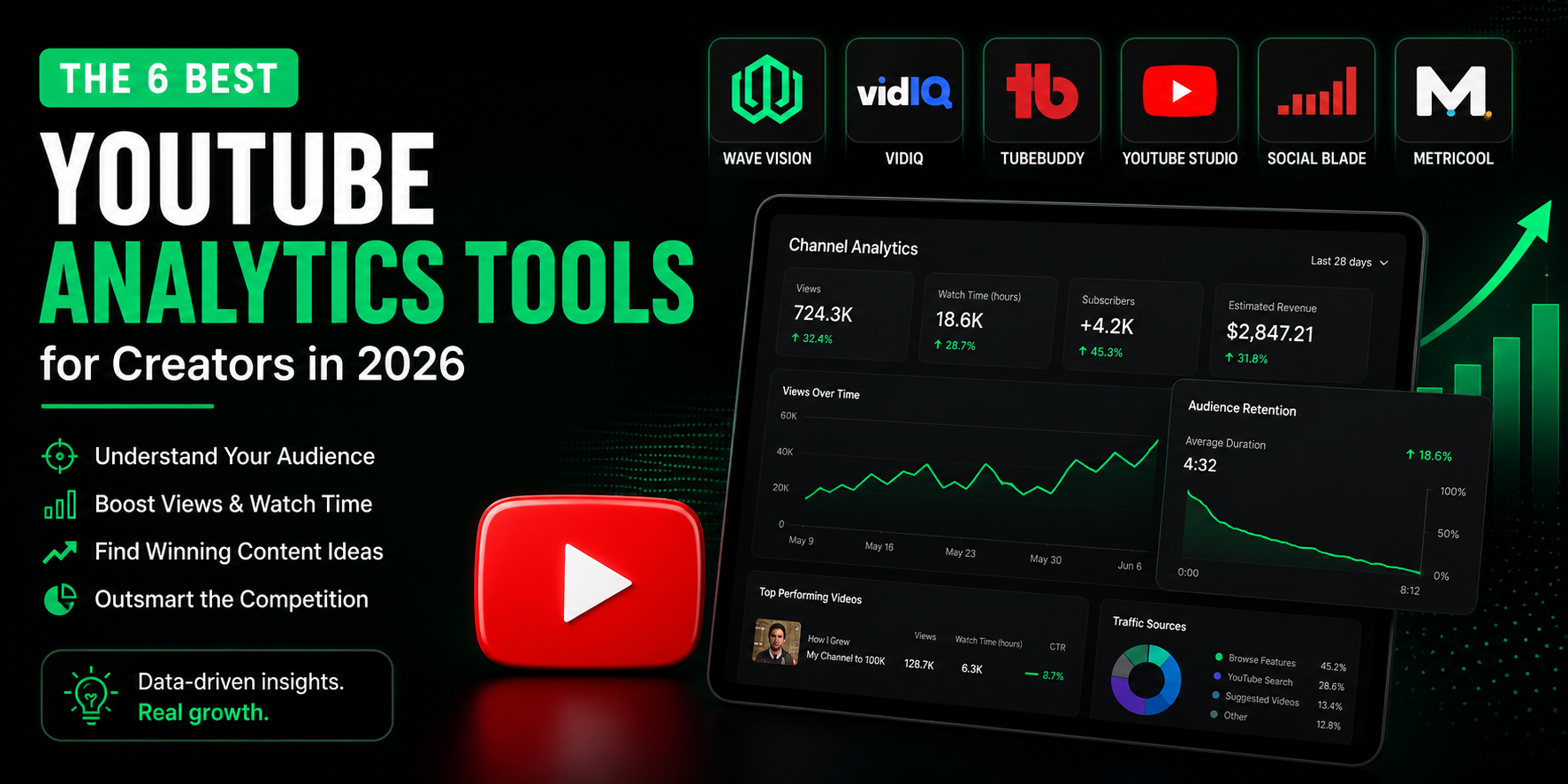
TL;DR: The best YouTube analytics tools for creators in 2026 are Wave Vision (best for AI-powered cross-platform predictions), VidIQ (best for content ideation and keyword research), TubeBuddy (best for channel SEO and A/B testing), YouTube Studio (best free native option), Social Blade (best for quick competitor checks), and Metricool (best budget-friendly option). The right tool depends on your stage, goals, and whether you need YouTube-only insights or a full cross-platform view.
Growing your YouTube channel isn't just about uploading consistently. It's about understanding what actually moves the needle for YOUR audience.
YouTube now hosts over 64 million creators worldwide, and the competition for attention has never been tighter. Posting without analytics is like driving with your eyes closed. You might reach your destination eventually, but you'll waste a lot of time crashing along the way.
After analyzing dozens of YouTube analytics tools and testing the most popular options, I've narrowed it down to the six tools that actually help creators grow. Whether you're just starting out or already pulling serious views, one of these will fit your workflow.
TL;DR: The best YouTube analytics tools for creators in 2026 are:
- Wave Vision - Best for AI-powered cross-platform predictions
- VidIQ - Best for content ideation and keyword research
- TubeBuddy - Best for channel SEO and A/B thumbnail testing
- YouTube Studio - Best free native analytics
- Social Blade - Best for quick competitor benchmarking
- Metricool - Best budget-friendly multi-platform option
Let's break down each tool so you can pick the right one for your channel.
What Makes a Great YouTube Analytics Tool?
The best YouTube analytics tools don't just show you what happened. They help you understand why it happened and what to do next.
Must-have features:
- Track watch time, click-through rate (CTR), and audience retention
- Identify which videos are driving subscriber growth
- Show your best performing content types and formats
- Surface keyword and SEO opportunities
- Reveal when your audience is most active
Nice-to-have features:
- AI-powered content recommendations
- Cross-platform analytics (not just YouTube)
- Competitor tracking
- Thumbnail A/B testing
- Trend prediction before topics peak
1. Wave Vision - Best for AI-Powered Cross-Platform Predictions
**What it does:**Wave Vision uses AI to analyze your YouTube content alongside your Instagram and TikTok data, spotting patterns across all three platforms at once. Instead of just showing you what happened, it tells you what's likely to work before you hit record.
**Best for:**Creators active on YouTube, TikTok, and Instagram who want one dashboard to rule them all.
Key features:
- AI-powered content performance predictions
- Cross-platform analytics (YouTube + Instagram + TikTok)
- Hook analysis to improve audience retention
- Pattern recognition for high-performing content
- Personalized content recommendations based on your actual data
Pricing:$37/month ($1 for a 30-day trial)
Pros:✅ Spots what's working across all your platforms at once✅ AI generates content ideas based on YOUR performance data, not generic trends✅ Clean interface that doesn't overwhelm you with 50 metrics you won't use✅ Helps you understand which hooks and formats keep people watching
Cons:❌ Newer tool with less brand name recognition than legacy competitors❌ Primarily built for creators, not agencies managing dozens of clients
**Who should use it:**Creators who are serious about data-driven growth and post across multiple platforms. If you're stuck trying to figure out why some videos pop and others flop, Wave Vision's cross-platform AI analysis is the fastest way to find the answer.
→ Try Wave Vision free for 30 days ($1 trial)
2. VidIQ - Best for Content Ideation and Keyword Research
**What it does:**VidIQ is one of the most popular YouTube-specific analytics tools on the market. It's built primarily for creators who want help deciding what content to make, with strong keyword research and daily AI-generated video ideas.
**Best for:**Creators who upload frequently and want AI help with topic planning.
Key features:
- Daily AI-generated video ideas based on your niche
- Keyword research with YouTube-specific search volume data
- Competitor channel tracking
- Channel audit that highlights your best and worst performing content
- Real-time trend alerts
**Pricing:**Free plan available; paid plans from $16.58/month (annual billing)
Pros:✅ Daily AI ideas save serious time on content planning✅ Keyword research is genuinely YouTube-specific (not just pulled from Google data)✅ Competitor tracking built right into the dashboard✅ Channel audit is a solid starting point for diagnosing growth problems
Cons:❌ Costs roughly double TubeBuddy at comparable tiers for creators on a budget❌ Only offers annual billing on paid plans, which is a commitment❌ YouTube-only, so you'll need separate tools for Instagram and TikTok
**Who should use it:**Creators publishing three or more videos per week who struggle with knowing what to make next. VidIQ's daily ideas feature alone can pay for itself in time saved.
3. TubeBuddy - Best for Channel SEO and A/B Testing
**What it does:**TubeBuddy is a browser extension and dashboard built to optimize your existing content and improve your channel's SEO. Its standout feature is A/B testing for thumbnails and titles on live videos.
**Best for:**Creators with an existing library of content who want to squeeze more performance out of what they've already uploaded.
Key features:
- Thumbnail and title A/B testing with statistical significance tracking
- Keyword Explorer with YouTube search volume
- Bulk video editing (update descriptions, tags, and end screens across hundreds of videos at once)
- Tag suggestions and SEO score for each video
- Competitor analysis
**Pricing:**Free plan available; paid plans starting at $2.25/month (annual)
Pros:✅ Roughly 40% cheaper than VidIQ at comparable tiers✅ Only tool offering proper thumbnail A/B testing with statistical significance✅ Bulk editing is a massive time saver for channels with large video libraries✅ Channels under 1,000 subscribers get an additional 50% off
Cons:❌ AI features are less robust than VidIQ's daily ideation tools❌ Browser extension dependent, which some creators find clunky❌ YouTube-only analytics with no cross-platform view
**Who should use it:**Creators who want to optimize their existing content and run data-backed thumbnail experiments. If you're uploading consistently but your CTR is low, TubeBuddy's A/B testing is worth every dollar.
4. YouTube Studio - Best Free Native Analytics
**What it does:**YouTube Studio is YouTube's own built-in analytics dashboard. It's free, accurate (it's first-party data), and gives you a solid baseline understanding of your channel's performance.
**Best for:**New creators just starting out or creators who want reliable first-party data alongside a paid tool.
Key features:
- Watch time, impressions, CTR, and audience retention data
- Subscriber tracking (gained and lost per video)
- Audience demographics (age, gender, location)
- Traffic source breakdown (search, suggested, external)
- Revenue analytics for monetized channels
**Pricing:**Free
Pros:✅ Completely free with no limits✅ First-party data is the most accurate you'll find✅ YouTube added AI-powered insight summaries in late 2025, making it more useful than ever✅ Revenue and ad data that third-party tools can't access
Cons:❌ No competitor analysis whatsoever❌ Limited keyword research capabilities❌ No cross-platform data if you're also on TikTok or Instagram❌ Only shows historical performance, not predictive insights
**Who should use it:**Every creator, full stop. YouTube Studio should be your baseline. Layer a paid tool on top for the deeper insights it can't provide.
5. Social Blade - Best for Quick Competitor Benchmarking
**What it does:**Social Blade is a free public stats tracker that shows channel growth history for any YouTube creator. It doesn't connect to your account but lets you quickly look up subscriber and view growth trends for any public channel.
**Best for:**Creators who want to quickly benchmark themselves against competitors without paying for a full analytics suite.
Key features:
- Public subscriber and view count history for any channel
- Daily, monthly, and yearly growth breakdowns
- Creator grade ratings
- Estimated revenue ranges (rough estimates)
- Multi-platform support (YouTube, Twitch, Instagram, TikTok)
**Pricing:**Free (premium plans available)
Pros:✅ Completely free for basic use✅ No account connection required to look up competitors✅ Fast and simple, no learning curve
Cons:❌ Data is delayed and estimated, not real-time❌ Revenue estimates are very rough❌ No analytics for your own content (only public stats)❌ Doesn't help you understand why something performed the way it did
**Who should use it:**Anyone who wants a free, instant snapshot of how a competitor's channel is growing. Use it to spot trends and set realistic benchmarks for your own growth.
6. Metricool - Best Budget-Friendly Multi-Platform Option
**What it does:**Metricool is a social media management platform with YouTube analytics built in alongside Instagram, TikTok, and other platforms. It's positioned as the most affordable paid option that covers multiple platforms in one place.
**Best for:**Budget-conscious creators who need basic cross-platform analytics without paying for separate tools.
Key features:
- YouTube analytics alongside Instagram and TikTok data
- Best time to post recommendations
- Competitor analysis
- Post scheduling
- Downloadable reports
**Pricing:**Free plan available; paid plans from $12/month
Pros:✅ Generous free plan to get started✅ Covers multiple platforms in one dashboard✅ Most affordable paid multi-platform option✅ Simple, clean interface
Cons:❌ Analytics are surface-level compared to YouTube-specific tools❌ No AI-powered predictions or content ideation❌ Free plan has tight limitations on tracked accounts and competitors
**Who should use it:**Creators who are just starting out or who need basic cross-platform reporting at the lowest possible cost. When you're ready to go deeper, upgrade to a more specialized tool.
Feature Comparison Table
ToolBest ForStarting PriceFree OptionAI FeaturesCross-PlatformWave VisionAI predictions$37/month$1 trial✅ YesInstagram, TikTok, YouTubeVidIQContent ideation$16.58/month✅ Free plan✅ YesYouTube onlyTubeBuddySEO + A/B testing$2.25/month✅ Free planLimitedYouTube onlyYouTube StudioFirst-party dataFree✅ Always freeBasicYouTube onlySocial BladeCompetitor lookupsFree✅ Always free❌ NoMulti-platformMetricoolBudget multi-platform$12/month✅ Free plan❌ NoAll major platforms
How to Choose the Right YouTube Analytics Tool
Choose Wave Vision if:
- You're active on YouTube, TikTok, and Instagram and want all your data in one place
- You want AI to surface what's working before you spend hours creating content
- You're tired of analyzing each platform separately and missing the big picture
Choose VidIQ if:
- You upload frequently and struggle with knowing what to make next
- Keyword research and trend spotting are your biggest pain points
- You're YouTube-first and don't need cross-platform analytics
Choose TubeBuddy if:
- You want to A/B test your thumbnails and titles to improve CTR
- You have a large existing video library that needs bulk updating
- You're on a tight budget but still want solid YouTube SEO tools
Choose YouTube Studio if:
- You're brand new and just getting started
- You want to layer free first-party data alongside another tool
- You're a monetized creator who needs accurate revenue analytics
Choose Social Blade if:
- You want to quickly check how a competitor's channel is growing
- You need a free public benchmark for your niche
- You don't want to connect your account to another platform
Choose Metricool if:
- You're on a tight budget but need basic coverage across platforms
- You just want a simple dashboard without a steep learning curve
- You're not ready to invest in specialized tools yet
What YouTube Metrics Should You Actually Track?
Most tools throw 40 metrics at you. Here's what actually matters for creators trying to grow.
1. Watch Time (Most Important)
Watch time is the metric YouTube uses most heavily to decide what to recommend. More watch time means more recommendations. More recommendations mean more views.
Don't just look at total watch time. Look at it per video to see which content types keep people watching longest.
2. Audience Retention Rate
Audience retention shows you the percentage of each video viewers actually watch. Retention above 50-60% is solid. Hit 70% and YouTube's algorithm will push your video hard.
Check your retention graph to find the exact moments where people drop off. That's where your content isn't delivering.
3. Click-Through Rate (CTR)
CTR measures how often people click your video when they see the thumbnail. For most channels, a CTR between 2-10% is the normal range.
Low CTR almost always points to a weak thumbnail or a title that doesn't spark curiosity. Fix the packaging before blaming the content.
4. Subscriber Growth Per Video
Which videos are actually converting casual viewers into subscribers? This tells you what content truly resonates with your audience, not just what gets surface-level views.
5. Traffic Sources
Where are your views coming from? YouTube Search, Suggested Videos, Browse Features, and External traffic all behave differently. Knowing your traffic mix tells you where to double down.
6. Impressions vs. Views
Impressions are how many times YouTube showed your thumbnail to someone. Views are how many people actually clicked. A big gap here means YouTube is trying to promote your video but your thumbnail or title isn't converting.
Common YouTube Analytics Mistakes to Avoid
Mistake #1: Obsessing over subscriber countSubscribers are a lagging indicator. A smaller, highly engaged audience will grow your channel faster than a big audience that doesn't watch. Focus on watch time and retention first.
Mistake #2: Ignoring the audience retention graphMost creators look at their average retention percentage and move on. The real gold is in the shape of the curve. A sharp drop in the first 30 seconds means your hook isn't working. A cliff at minute three means your pacing loses people. Dig into the graph, not just the number.
Mistake #3: Chasing viral outliersOne video that pops doesn't mean you've cracked the code. Look at patterns across your best performing videos. Creators who use dedicated third-party analytics platforms grow their channels 2.3x faster than those who rely on YouTube Studio alone, partly because they identify patterns instead of chasing individual wins.
Mistake #4: Comparing yourself to creators in different nichesA gaming channel and a finance channel have completely different average CTRs, watch times, and retention rates. Benchmark within your niche, not across the platform.
Mistake #5: Not connecting your YouTube data to your other platformsYour TikTok and Instagram performance tells you a lot about which content concepts work. If a format crushes on TikTok, it's probably going to work on YouTube too. Tools like Wave Vision let you see all three platforms together, which is where the real patterns show up.
The Bottom Line: Which YouTube Analytics Tool Should You Use?
If you're serious about growing on YouTube in 2026, here's my honest recommendation based on where you are.
Just starting out: Use YouTube Studio (free) to build your analytics habits. Add Social Blade for competitor benchmarking. Total cost: $0.
Growing channel (under 10K subscribers): TubeBuddy's paid plan starting at $2.25/month gives you solid SEO tools and A/B testing at a price that's hard to argue with.
Active creator across multiple platforms: This is where Wave Vision's $1 trial makes the most sense. If you're posting on YouTube, TikTok, and Instagram, managing three separate analytics dashboards is a waste of time. Having AI surface patterns across all three platforms at once is genuinely valuable, and the cross-platform view reveals things you'd never spot looking at YouTube in isolation.
YouTube-first creator focused on growth: VidIQ's daily AI ideas and keyword research are worth the monthly cost if you're uploading consistently and need help knowing what to create.
The best analytics tool is the one you'll actually open every week and act on. Pick one that fits your stage, commit to checking it regularly, and let the data guide your decisions.
Remember: Data is only useful if you do something with it. Don't collect metrics for the sake of it. Use them to make better content.
Take Action
Ready to stop guessing and start growing on YouTube?
Try Wave Vision free for 30 days ($1 trial)
Connect your YouTube, TikTok, and Instagram in one dashboard. Let AI find the patterns in your content so you know exactly what to make next.
Want to go deeper on content strategy? Check out our guides on how social media analytics can grow your business and the best Instagram analytics tools for creators.
About the Author: This guide was created by the Wave Vision team after testing every major YouTube analytics tool on the market and analyzing performance data across thousands of creator accounts. We built Wave Vision because we got tired of tools that showed vanity metrics instead of telling you what to actually do next.
Last updated: June 2026
Frequently Asked Questions
What is the best free YouTube analytics tool?
The best free YouTube analytics tool is YouTube Studio, YouTube's own built-in analytics dashboard. It provides accurate first-party data on watch time, CTR, audience retention, subscriber growth, traffic sources, and revenue for monetized channels. For competitor benchmarking without connecting your account, Social Blade is a solid free option that shows public subscriber and view growth history for any YouTube channel.
Is VidIQ or TubeBuddy better for YouTube growth?
It depends on your biggest pain point. VidIQ is better if you struggle with knowing what content to create. Its AI-powered daily video ideas and keyword research tools are stronger than TubeBuddy's. TubeBuddy is better if you want to optimize your existing content. It's the only tool offering proper thumbnail and title A/B testing with statistical significance, and it runs about 40% cheaper than VidIQ at comparable tiers. For creators on a tight budget, TubeBuddy wins. For creators who upload frequently and need topic ideas, VidIQ is worth the premium.
Do I need a third-party YouTube analytics tool if I already use YouTube Studio?
YouTube Studio is excellent for understanding your own channel's performance, but it has real limits. It shows no competitor data, limited keyword research, and no predictive insights about what content will perform well. Creators who use dedicated third-party analytics platforms grow their channels 2.3x faster than those relying on YouTube Studio alone. Use YouTube Studio as your baseline and add a third-party tool for competitor analysis, SEO, and AI-powered content planning.
What YouTube metrics matter most for growing a channel?
The most important YouTube metrics for channel growth are watch time, audience retention rate, click-through rate (CTR), and subscriber growth per video. Watch time is the metric YouTube weights most heavily in its recommendation algorithm. Audience retention tells you exactly where your content loses people. CTR reveals whether your thumbnail and title are compelling enough to get clicks. Subscriber growth per video shows which content truly converts casual viewers into loyal followers.
Can one tool track YouTube, TikTok, and Instagram together?
Yes. Wave Vision connects YouTube, TikTok, and Instagram in a single dashboard and uses AI to spot patterns across all three platforms at once. This cross-platform view reveals which content concepts and formats resonate with your audience regardless of where you're posting. Metricool also offers basic multi-platform analytics at a lower price point, though without the AI-powered predictions Wave Vision provides.